Kobo Libra Colour Best Overall
Key details
- Screen
- 7-inch color E Ink
- Storage
- 32 GB
- Waterproof
- IPX8
- Page Buttons
- Yes, physical
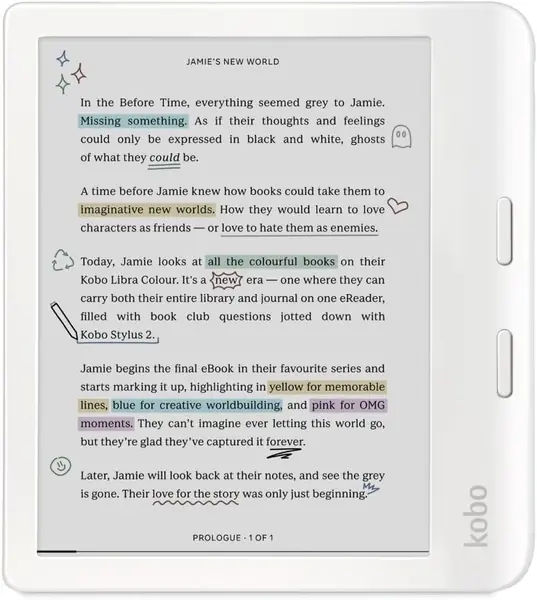
Seven inches is the size where a manga page stops feeling like a compromise, and the Libra Colour wraps that screen in a body you can comfortably hold in one hand. Two physical buttons sit on the wide side bar, and they became the detail we used most. Reading a volume means hundreds of page turns, and a click is faster, quieter, and leaves no fingerprints across the panel you're trying to look at. The screen rotates for left- or right-handed holding, which sounds minor until you've read an hour with the buttons on the wrong side.
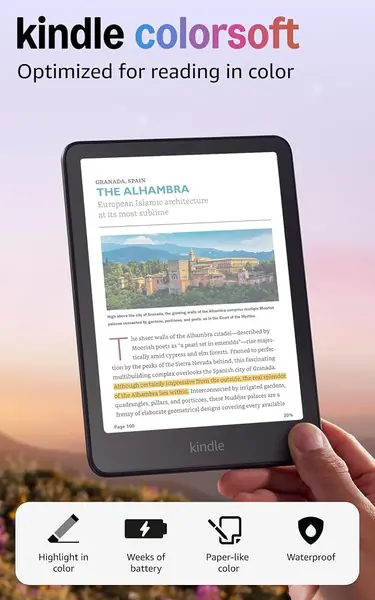
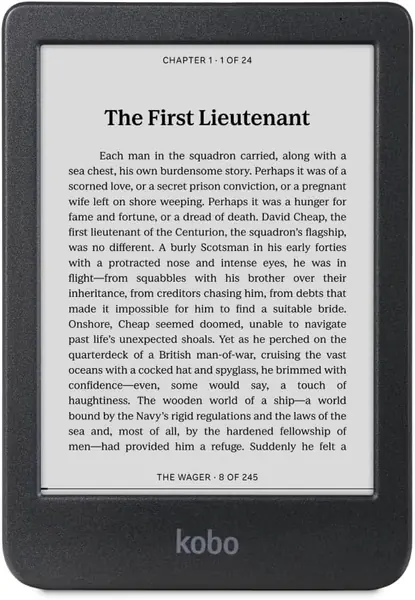
Color is the other half of the pitch, and it's the part worth thinking through. A color E Ink screen puts a filter over a black-and-white panel, so ink-heavy line art and screentones read a little softer and darker than they do on a plain Carta screen. We noticed it on the heaviest black pages and stopped noticing it on color pages, covers, and illustrations, which is exactly the trade this device is asking you to make. If your shelf runs to color editions, art books, or full-color releases, take it. If you read nothing but black-and-white shonen, the Clara BW below gives you a sharper page for less.
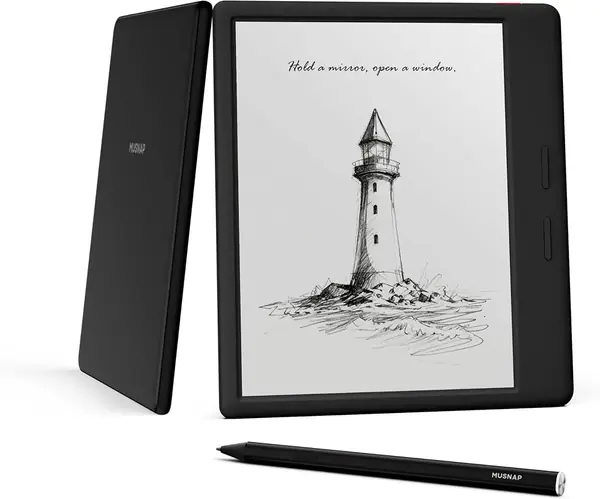
Storage is the quieter advantage. At 32GB it holds twice what the Kindle Colorsoft offers, and manga is precisely the format that makes that matter, because every volume is a stack of large image files. IPX8 waterproofing means the bath and the pool deck are fair game, and the optional stylus adds color annotation if marking favorite panels appeals to you, though the pen is sold separately and the reading experience doesn't depend on it.
Pros
- 7-inch screen fits dense manga panels
- Physical page buttons for one-handed reading
- 32GB holds long-running series
Cons
- Battery drains faster than a black-and-white reader
We start here: the 7-inch color screen and 32GB handle long series, and the page buttons keep your thumb off the artwork.