Apple Magic Keyboard Best Overall
Key details
- Compatibility
- iPad Air 11-inch (M2, M3, M4) and Air 4th/5th gen
- Weight
- 2.14 lb
- Connection
- Smart Connector
- Function Row
- 14 keys
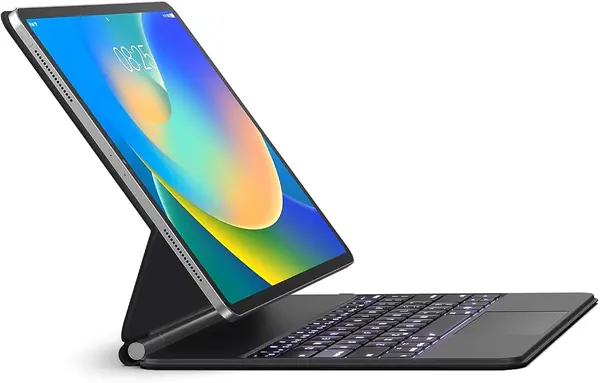
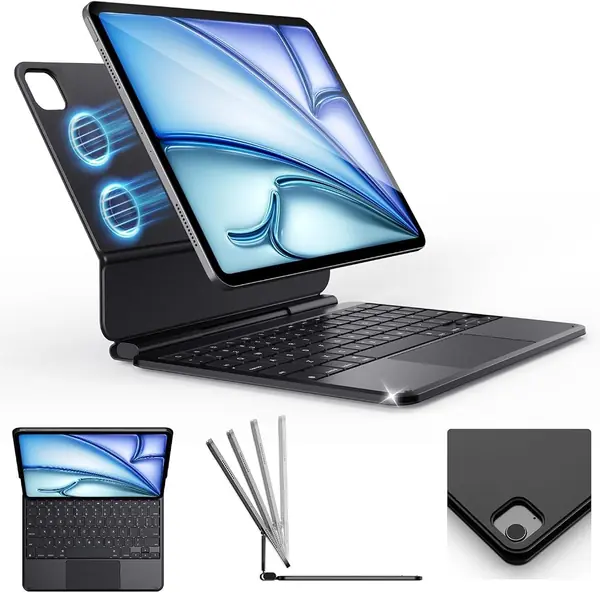
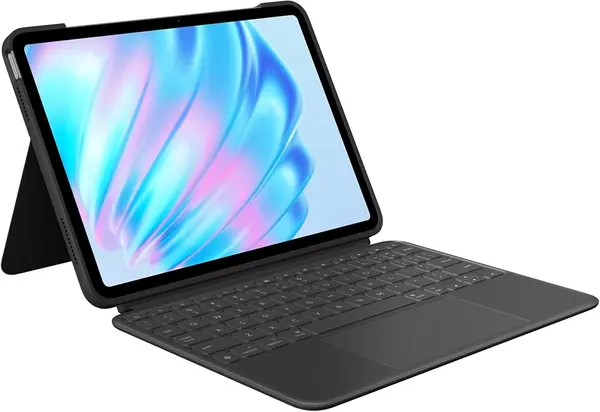
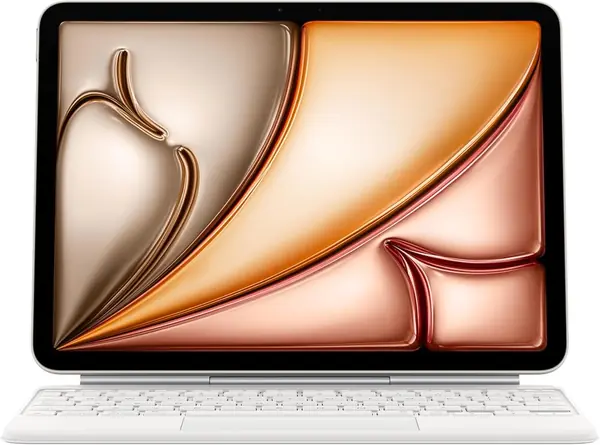
Apple's Magic Keyboard is the most laptop-like experience in this group. The iPad snaps onto the back magnetically, the two-cantilever hinge holds the screen at a usable angle, and the keyboard runs off the Smart Connector instead of Bluetooth.
The typing is the reason to pay attention. The keys have a crisp, short throw we settled into quickly for long writing sessions, and the 14-key function row is genuinely useful for brightness, volume, and media controls. The trackpad is large enough for iPad gestures without feeling like it belongs on a smaller laptop.
The hinge is the design detail that earns its keep. Because the screen floats above the keys rather than sitting in a slot, the whole thing feels steadier on a lap than most folio cases here. The iPad also folds closed with front and back protection, and the USB-C pass-through means you can charge the tablet without unplugging the keyboard.
The 2.14-pound weight is the trade-off. Picking up the iPad by a corner turns it into a small laptop, so this is a case for someone who uses the keyboard most days rather than a tablet-first reader. The extra rigidity is what buys the stable hinge and the laptop feel.
What settles it for us is how little thought the Magic Keyboard demands. Open it, type, close it, and the iPad is charged and ready for the next session. A lighter case or a more adjustable stand is easy to find; the everyday smoothness of this one is harder to match.
Pros
- No pairing or keyboard charging
- Stable two-cantilever hinge
- Excellent typing and trackpad
Cons
- No keyboard backlight
- Premium price
We recommend the Magic Keyboard to anyone who wants the cleanest typing and trackpad experience and can accept a premium price.