Logitech Combo Touch Best Overall
Key details
- Compatibility
- iPad 10th gen and A16
- Weight
- 1.26 lb
- Connection
- Smart Connector
- Keyboard
- Backlit, full-size
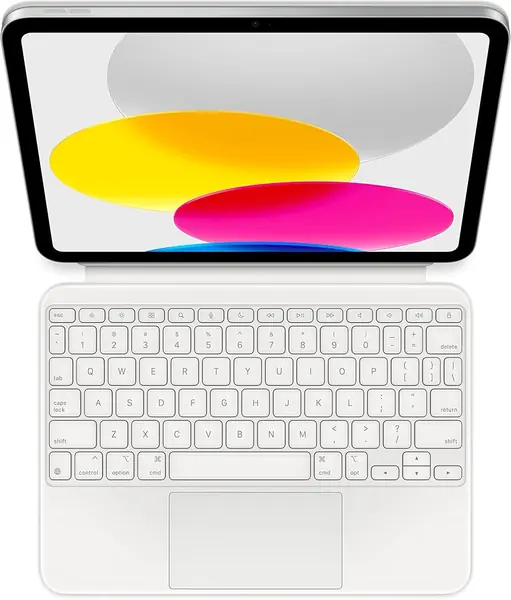
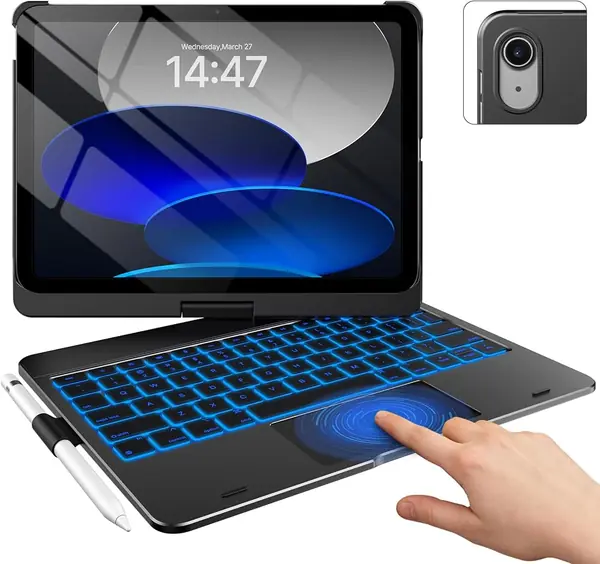
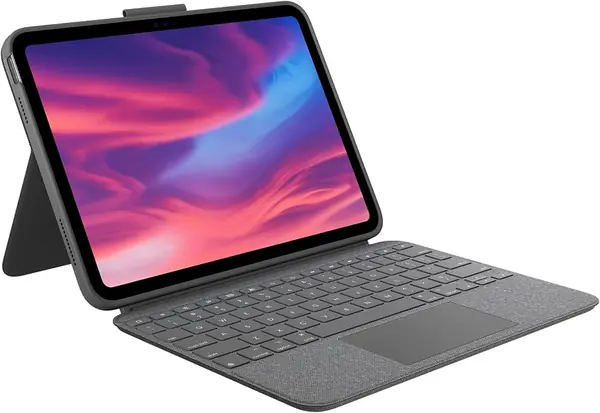
The Combo Touch solves the small annoyance that makes a lot of iPad keyboards feel like accessories: it never needs charging. It draws power through the Smart Connector, so we pair it once and forget it. The backlit keys are full-size and well spaced, and the large trackpad supports the gestures we already use on the iPad. The keyboard detaches, leaving a protective case and an adjustable stand for reading or sketching.
That flexibility is why it earns our top spot. We like that it works as a laptop-style typing deck and as a stand for watching or drawing without making you choose one mode for the day. The keys feel stable, and the trackpad is the closest thing here to using a laptop. The woven-fabric cover adds grip and protection, and the whole thing feels more substantial than the budget cases.
The Combo Touch is the one we reach for when the iPad has to do a laptop's job for an afternoon. The backlit keys are easy to read in a dim room, and the shortcut row covers the iPad controls we use most. The fabric cover also gives the whole setup a softer, less plasticky feel than most budget cases.
Pros
- No charging or pairing routine
- Large multi-gesture trackpad
- Detachable keyboard with four use modes
Cons
- Adds noticeable weight at 572 grams
- Snug fit makes removal harder
The Combo Touch is our default iPad keyboard for daily typing: it never needs charging, and its trackpad and stand feel built for real work.