ACMEZING Video Conference Light Best Overall
Key details
- Warranty
- 2 years
- Power
- USB
- Mount Options
- Clip and flexible tripod
- Light Settings
- 5 color temperatures, 5 brightness levels
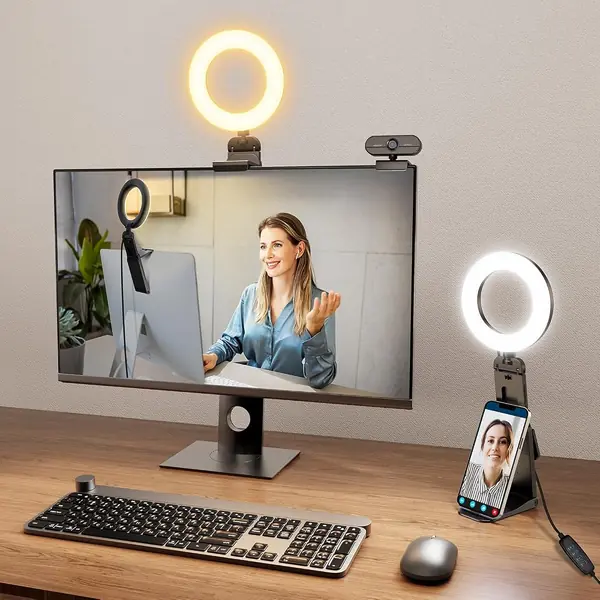
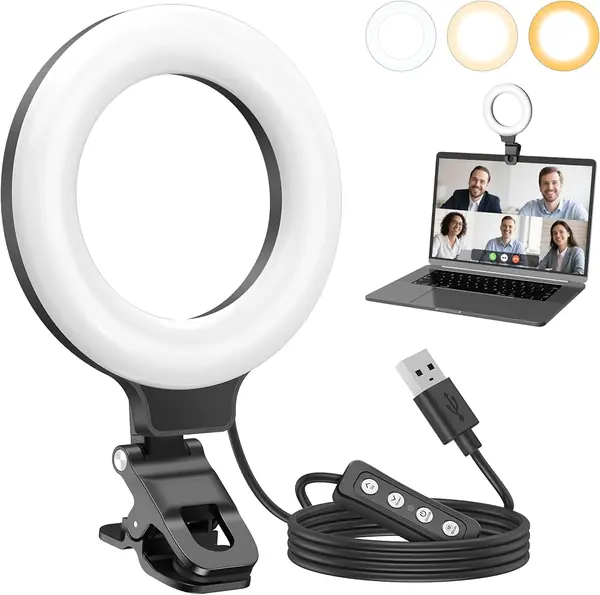
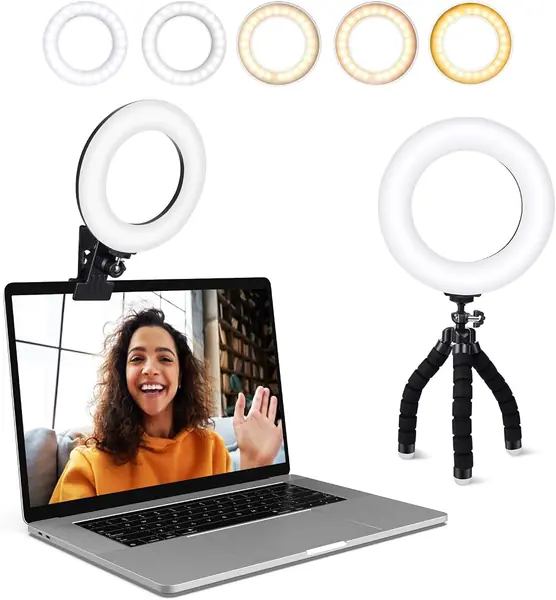
Two mounts in the box is what puts this light at the top of our list. The clip grips the top edge of a monitor or a laptop lid, and the little bendy tripod lets it stand on the desk instead, which matters more than it sounds: on a long call we want the light off the screen and the screen clear. Plenty of cheap lights for Zoom give you one mounting option and call it done.
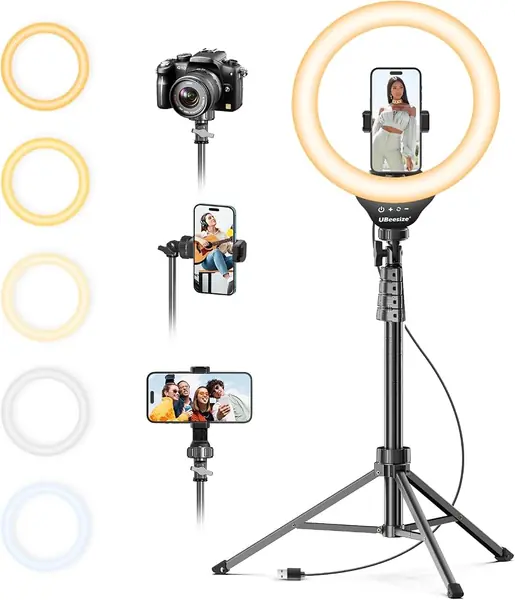
The light itself is what keeps it there. Five color temperatures run from warm white to cold daylight, and five brightness steps let us dial it down until it just fills the shadows under the eyes instead of blasting a white circle over the whole call. The ring shape earns its keep too, since light arrives from around the lens and there's no hard shadow beside your nose.
Setup is genuinely a minute: clip it on, plug the USB cable into the monitor's port, and press the button until the color looks right. The clip has a foam pad, so it doesn't scuff a bezel, and the whole light is small and light enough to go in a bag with the laptop. On our monitor the clamp hasn't slipped, and nothing about it feels like the cheapest thing on the desk.
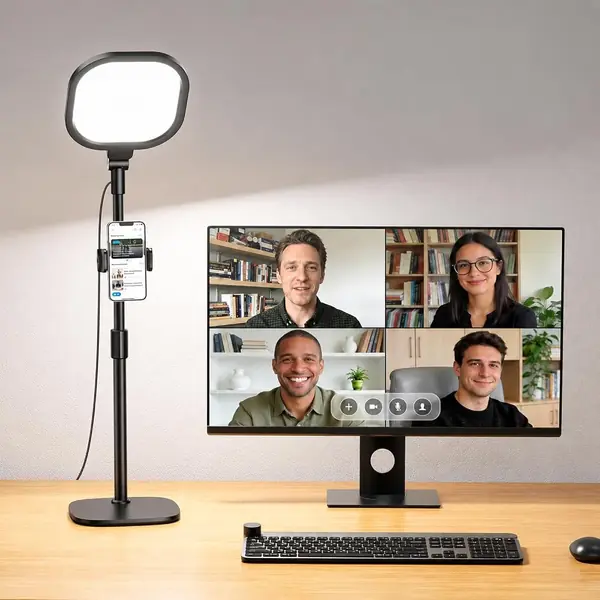
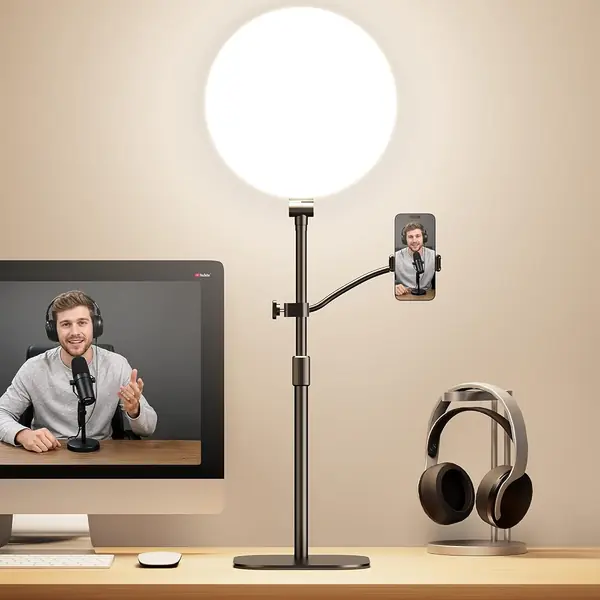
Know where it stops. The head is compact, so it lights your face at arm's length rather than the wall behind you, and the bendy tripod is a desk accessory, not a stand you would trust with a phone on the end. When we want a bigger wash of light across the whole desk, the LitONES stand below is the better tool. This one is the light that disappears when the call ends, and its tripod lives in a drawer for the days we work somewhere else.
Pros
- Clips to a monitor or stands on its tripod
- Five color temperatures and five brightness levels
- Compact and light enough to pack with a laptop
Cons
- USB-powered only, with no battery option
It's the ring light we point most people to: it clips to a monitor or stands on its tripod, and five warmth and brightness settings make a laptop webcam look far better than it should.