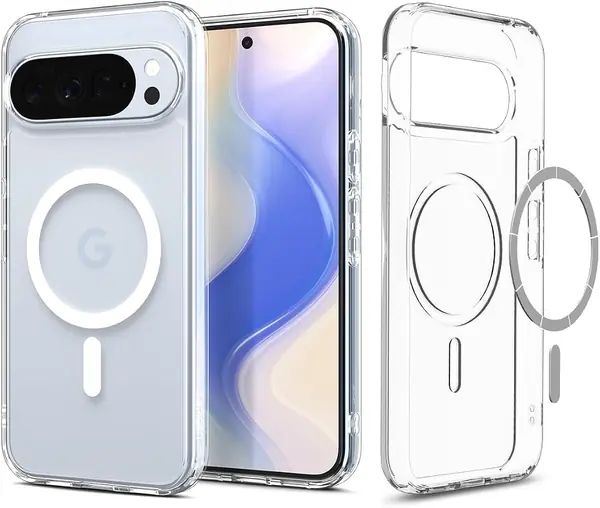
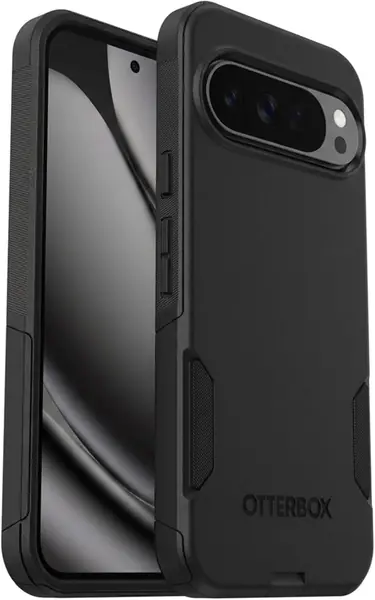
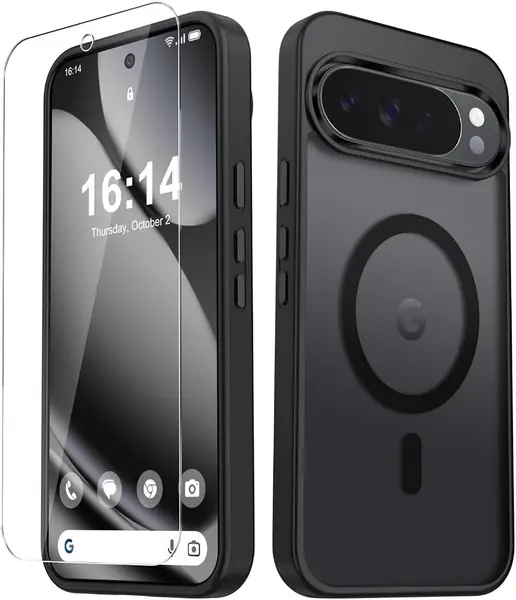
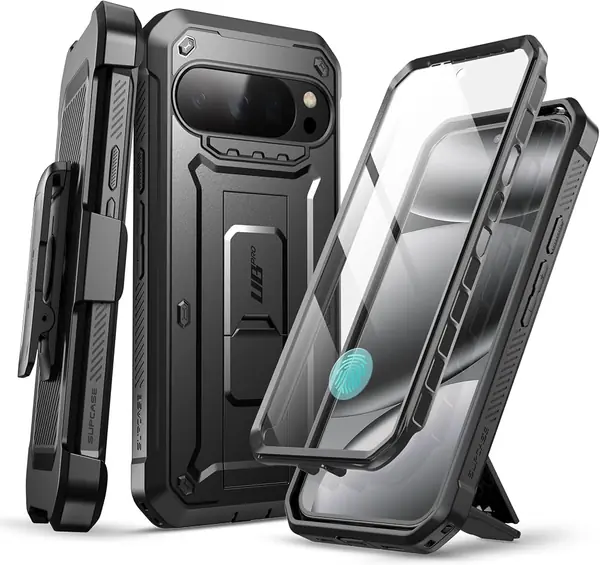
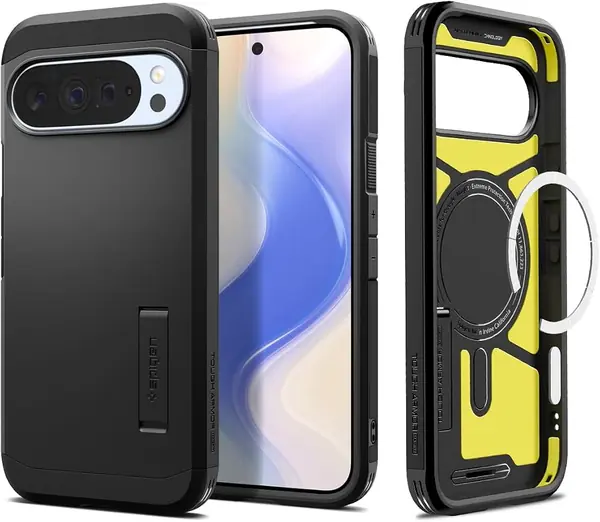
Spigen Tough Armor MagFit Best Overall
Key details
- Drop Protection
- Military-grade
- Kickstand
- Built-in
- MagSafe Support
- Compatible with MagSafe and Pixelsnap
- Weight
- 1.41 oz
The kickstand is what first makes the Spigen Tough Armor MagFit feel different, but it earns its top spot on the balance around it. You get a 40-gram shell with military-grade drop protection, raised edges for the screen and camera, and MagSafe and Pixelsnap compatibility. We like that combination for a phone this large: the stand is useful at a desk or kitchen counter, and you do not have to give up magnetic charging to get it. This is the case we recommend first for most people because it covers protection, grip, charging, and hands-free viewing without turning the Pixel into a rugged brick.
The hinge is firm enough to hold an angle and folds flat when you are not using it. Spigen also keeps the button covers responsive and leaves the camera bar accessible. If you already use a screen protector, the raised front lip gives it room and keeps the glass off a table.
The trade-off is visual and pocket bulk. The armored back and kickstand make the Tough Armor read chunkier than the Ultra Hybrid, even though both are listed at 40 grams, and that extra material is why we keep it for days when protection matters more than a barely-there feel. If you want a shell that disappears in a pocket, a simpler bumper is the better match; for everyone else, the bulk is the price of the kickstand and the extra coverage.
Pros
- Built-in kickstand folds flat
- Military-grade drop protection
- Works with MagSafe and Pixelsnap
Cons
- Smoother back than rubberized cases
- Back finish can wear over time
We think the Spigen Tough Armor MagFit gets the balance right for most people: military-grade protection, MagSafe, and a kickstand that earns its space.